Animate pixel art like it's 3D — without ever modeling.
PixelSprites turns flat pixel-art body parts into a rigged, bendable 2.5D character. Drag bones, rotate limbs in fake-3D, watch joints morph together — then export game-ready sprite sheets. Right here in your browser.
No credit card. No install. Runs in your browser.

Don't take our word for it — upload a sprite.
The exact depth engine from the studio, running right here. Any flat image becomes a rotating 3D card in seconds.
The rotation tech other tools charge desktop prices for — on the web.
Auto-generated depth maps give every sprite real volume. A per-pixel engine redraws your whole character each frame, so limbs bend and turn instead of rigidly spinning like paper cutouts.
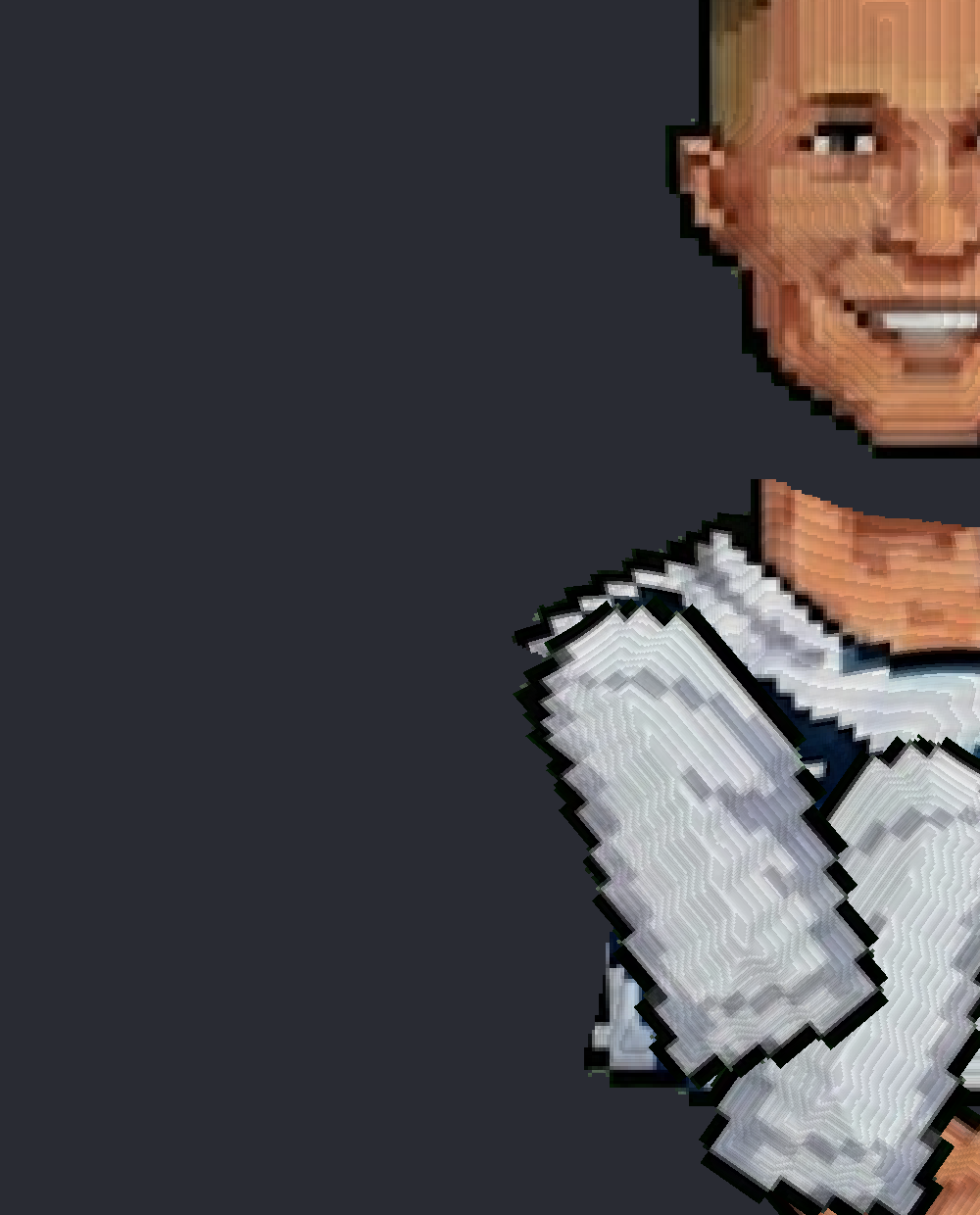
Joints that actually bend
Rotate an arm and the shoulder morphs with it — per-pixel skinning melts body parts together at every joint. No seams, no scissoring cutouts.
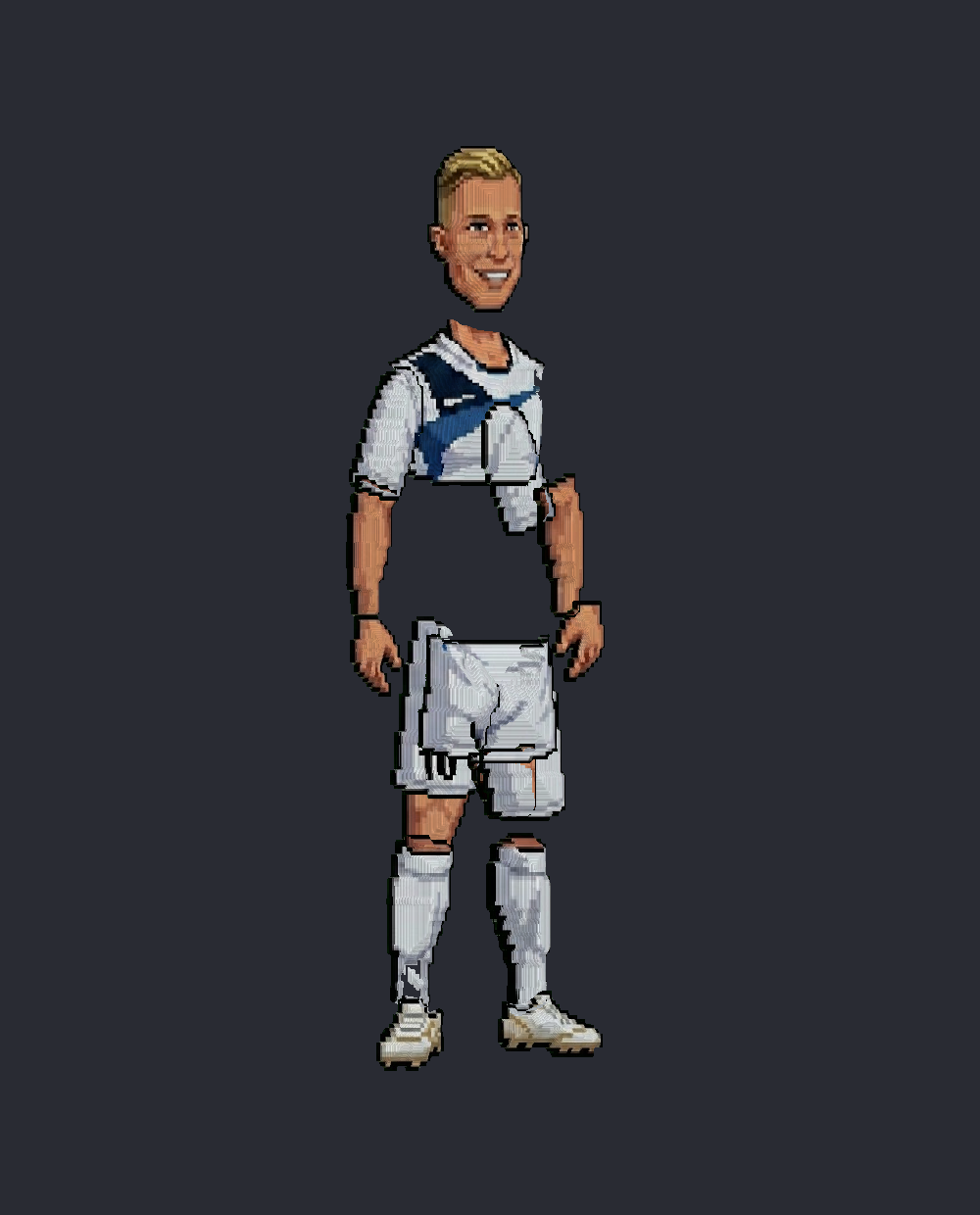
Fake-3D turnarounds
Height maps give sprites volume. Turn the whole character and the far arm slips behind the torso — true depth sorting, from flat drawings.
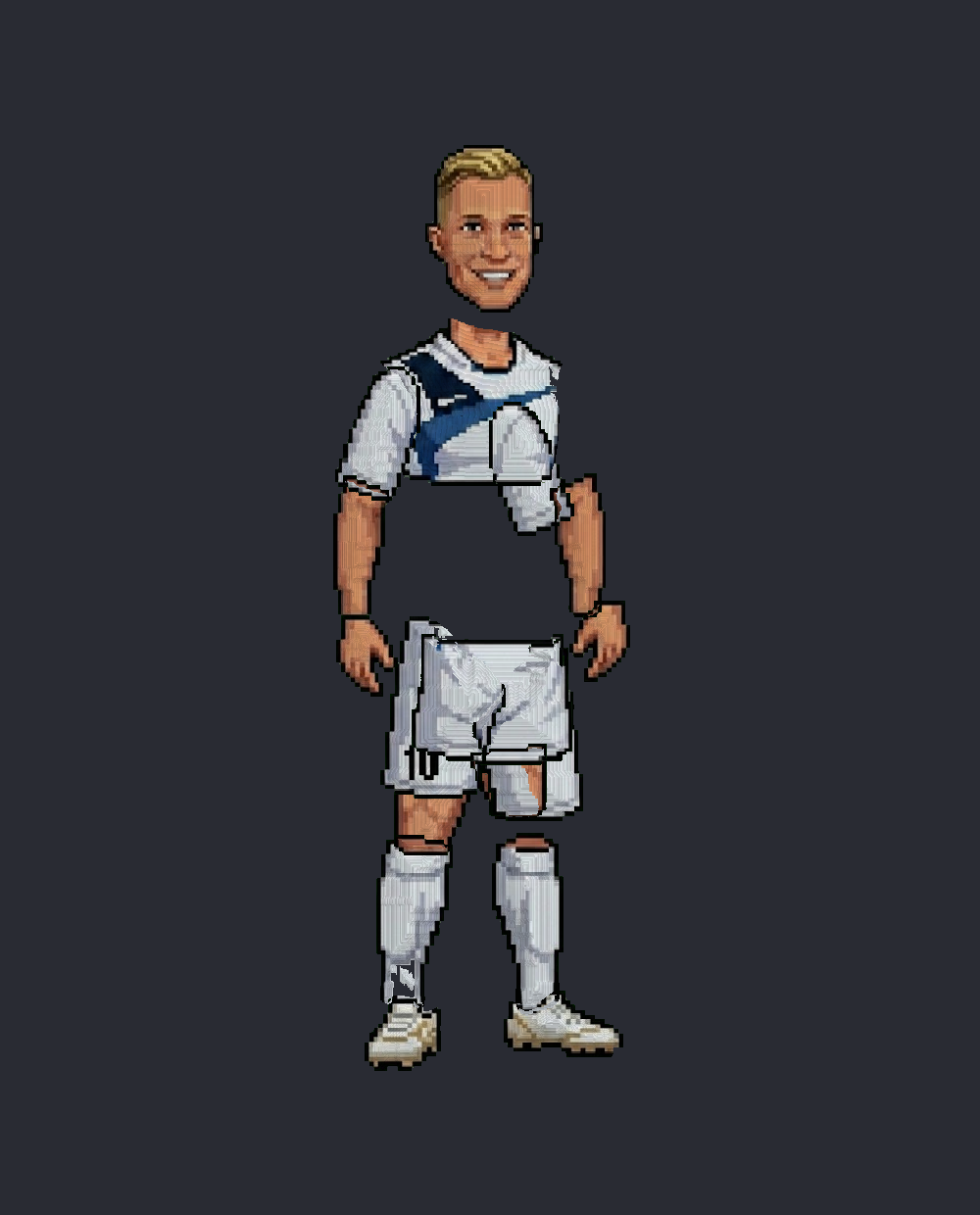
One coherent pixel canvas
Every frame is redrawn on a single shared pixel grid — your animation always looks like hand-drawn pixel art, never like rotated rectangles.
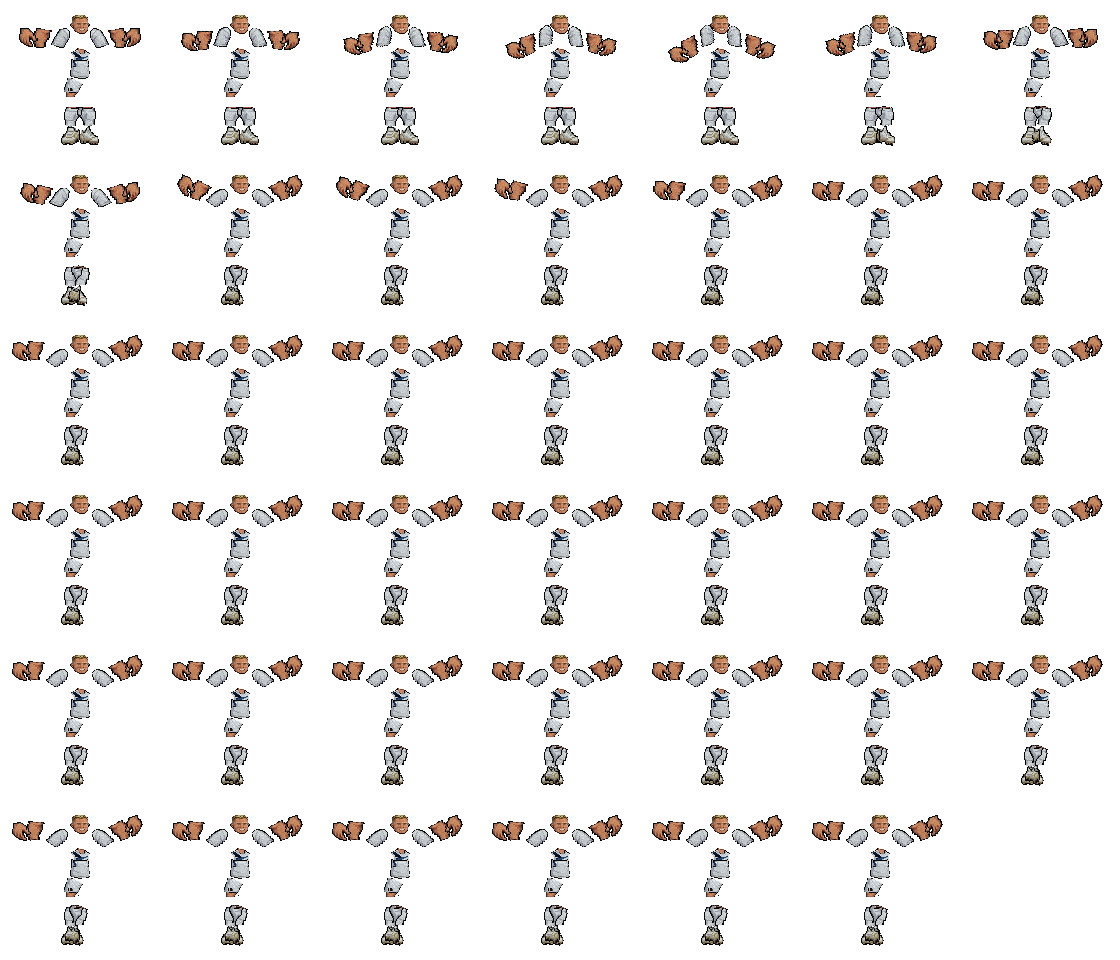
Game-ready sprite sheets
One click bakes your animation into a transparent PNG sheet with grid metadata — drop it into Unity, Godot, GameMaker, or any engine.
From a drawing to a walking character in minutes.
Upload your parts
One PNG with your character's body parts laid out. The studio auto-detects and cuts them.
Snap onto the rig
Parts assign to a humanoid skeleton; depth maps generate automatically (and are hand-paintable).
Pose & keyframe
Drag joints to pose. The timeline records keyframes with easing, onion skinning, and per-joint keys.
Export
Bake any clip to a sprite sheet, or keep animating with unlimited updates.
Start free. Pay only when it earns its keep.
Credits pay for heavy actions like new characters and exports. Or skip credits entirely with a one-time purchase.
- 250 credits free on registration
- 100 credits per $1 when topping up
- Credits pay for new characters & exports
- Full studio in your browser
- Top up $5 minimum — any amount above
- Unlimited characters & animations
- Unlimited sprite-sheet exports
- All future studio updates
- No subscription, ever
- Everything in Lifetime
- Complete Unity source project
- All shaders, tools & test suites
- Use it inside your own games
Questions, answered.
Do I need to know 3D modeling or rigging?
No. You draw flat pixel art; PixelSprites generates the depth and the rig. Posing is drag-and-drop.
What do credits pay for?
Heavy actions — creating a new character and exporting animations. Everyday editing and posing is free. Lifetime buyers never spend credits.
Is Lifetime really one-time?
Yes. $49 once, use the studio forever, including future updates. No subscription.
What's in the $109 source tier?
Lifetime access plus the complete Unity project — every shader, the bending engine, editor tooling and test suites — so you can embed the tech in your own games.
Can I use exported sprites commercially?
Yes — everything you create and export is yours, for any project, commercial or not.